GPRPy
Open-source Ground Penetrating Radar processing and visualization software. Supported by the National Science Foundation under grants EAR-1550732 and EAR-2022671
Please cite https://library.seg.org/doi/10.1190/tle39050332.1
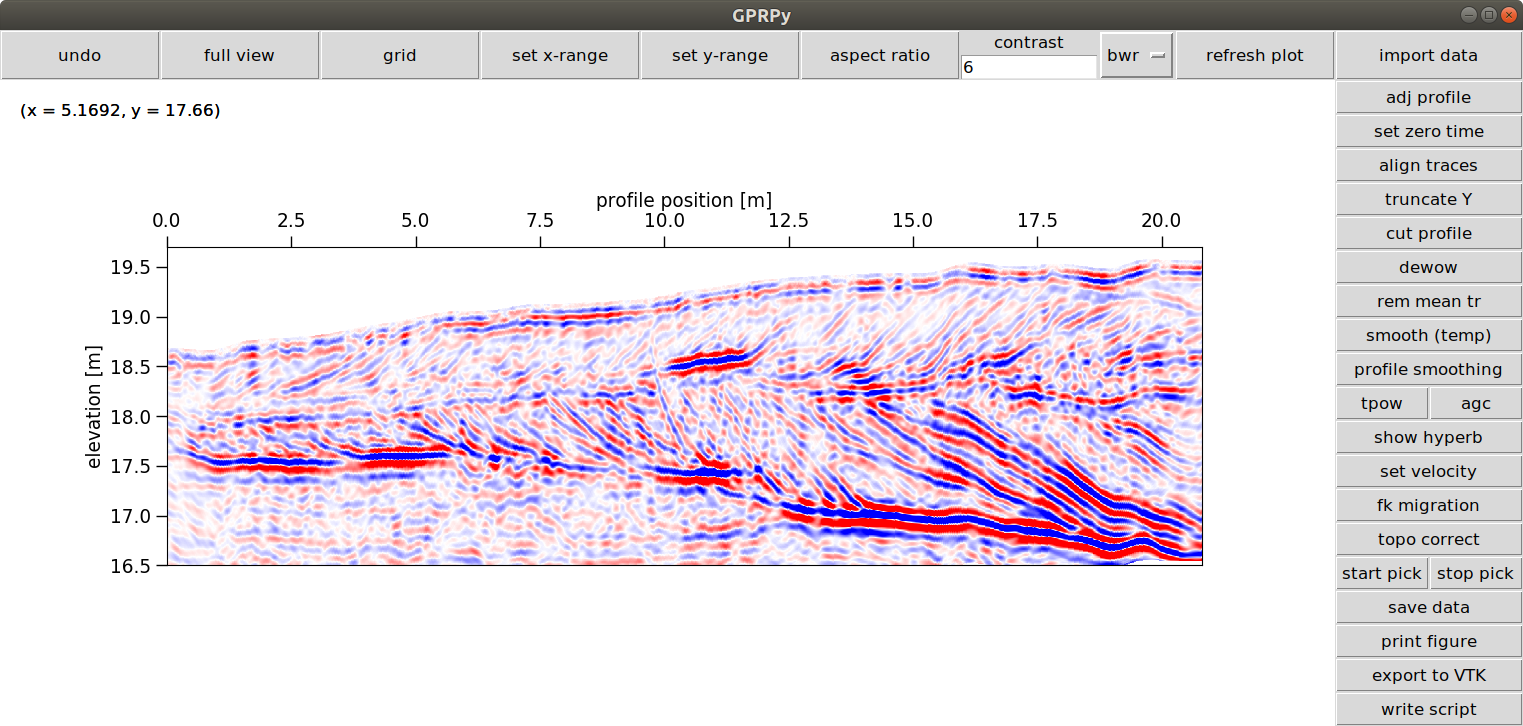
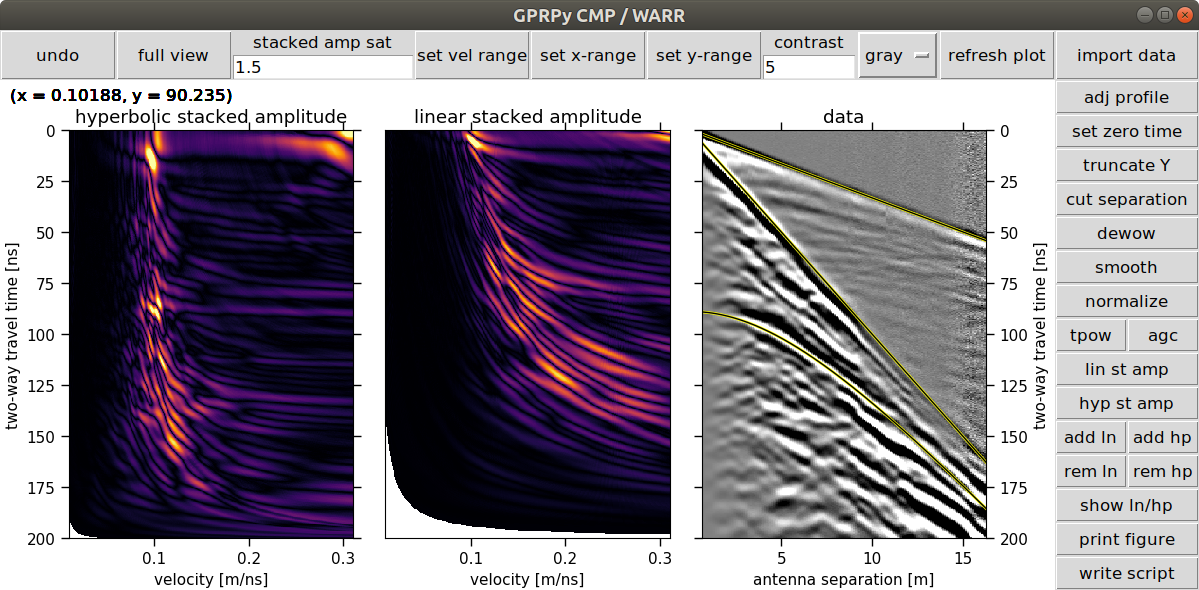
Simplemost installation using anaconda python
1) Download the GPRPy software from
https://github.com/NSGeophysics/GPRPy/archive/master.zip.
Save the file somewhere on your computer and extract the zip folder.
As an alternative, you can install git from https://git-scm.com/, then run in a command prompt:
git clone https://github.com/NSGeophysics/GPRPy.git
The advantage of the latter is that you can easily update your software by running from the GPRPy folder in a command prompt:
git pull origin master
2) Install anaconda or miniconda https://www.anaconda.com/download
3) Once the installation finished, open a command prompt:
On Windows: click on Start, then enter “Anaconda Prompt”, without the quotation marks into the “Search programs and files” field.
On Mac or Linux, open the regular terminal. In the command prompt/terminal, run
conda activate
5) Change to the directory where you downloaded the GPRPy files.
This is usually through a command like for example
cd Desktop\GPRPy
if you downloaded GPRPy directly onto your desktop. Then type the following and press enter afterward:
python installMigration.py
Then type the following and press enter afterward:
pip install .
don’t forget the period “.” at the end of the pip install . command
Running the software
After installation, you can run the script from the Anaconda Prompt (or terminal after running conda activate) by running
gprpy
The first time you run GPRPy it could take a while to initialize. GPRPy will ask you if you want to run the profile [p] or WARR / CMP [c] user interface. Type
p
and then enter for profile, or
c
and then enter for CMP / WARR.
You can also directly select one by running either
gprpy p
or
gprpy c
Running automatically generated scripts
To run automatically generated scripts, open Anaconda Prompt (or the terminal and run conda activate), switch to the folder with the automatically generated script and run
python myscriptname.py
where myscriptname.py is the name of your automatically generated script. Note that the data need to be in the directories referenced by myscriptname.py.
Uninstalling GPRPy
To uninstall GPRPy, simply run, in the Anaconda Prompt (or terminal after conda activate)
pip uninstall gprpy
News
Follow @GPRPySoftware on twitter to hear about news and updates. Recent tweets:
Fixed small issue that led to multiples when picking points in profile. Thanks Marcus Pacheco for pointing it out! If you use picking in profile mode, please update to version 1.0.3 (uninstall the old version before).
— GPRPy (@GPRPySoftware) June 13, 2019
I will post updates, changes, and GPRPy news here.
— GPRPy (@GPRPySoftware) January 26, 2019
GPRPy is a free ground penetrating radar processing and visualization software developed at the University of Alabama. You can download it and install it following the instructions here: nsgeophysics.github.io/GPRPy/
— GPRPy (@GPRPySoftware) January 25, 2019